Before You Start
➡️ This manual is intended for the METOS 5.
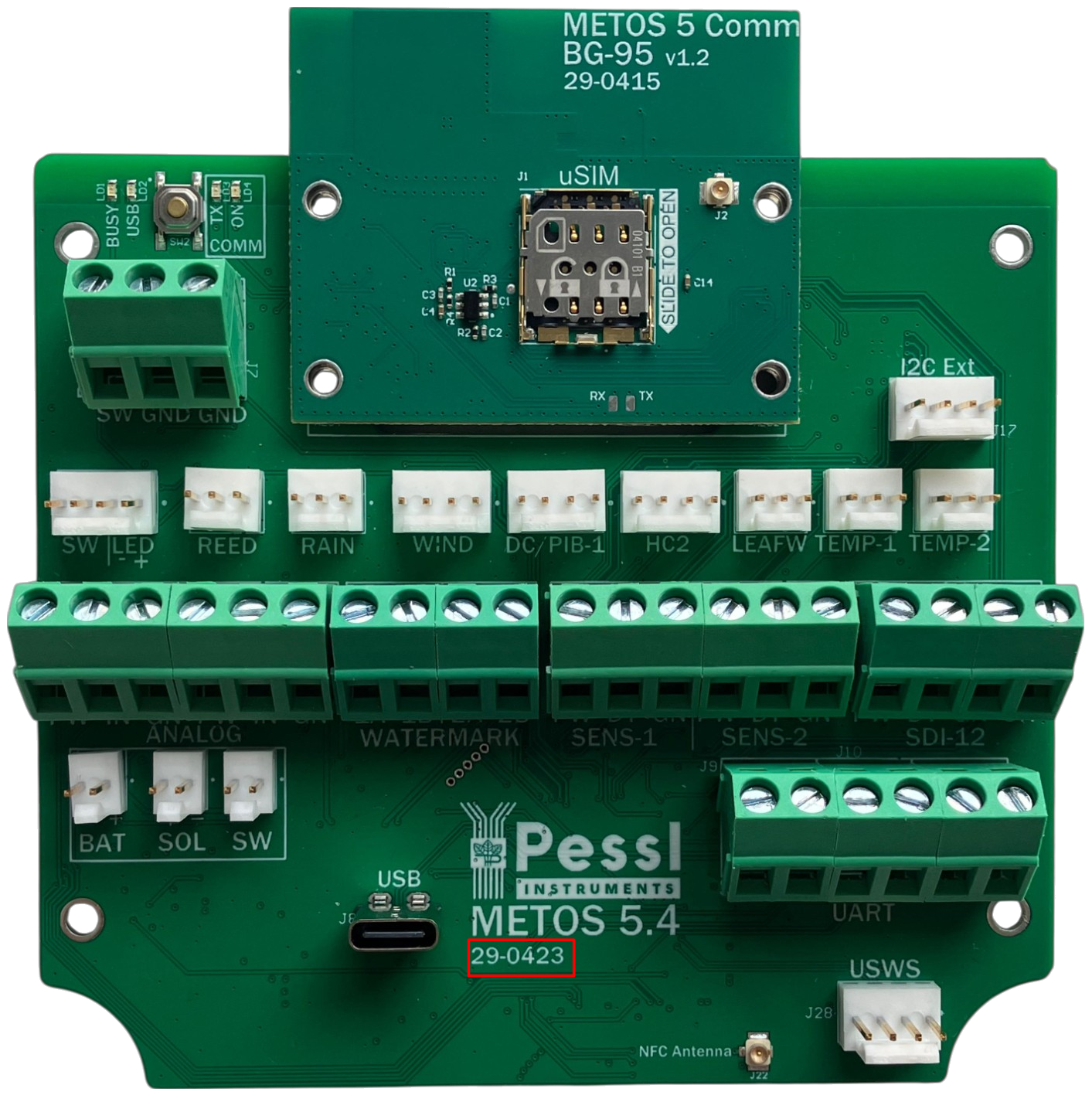
➡️ The red marking outlined in the image below indicates the location of the board number.
Step 1. Turn off the device.
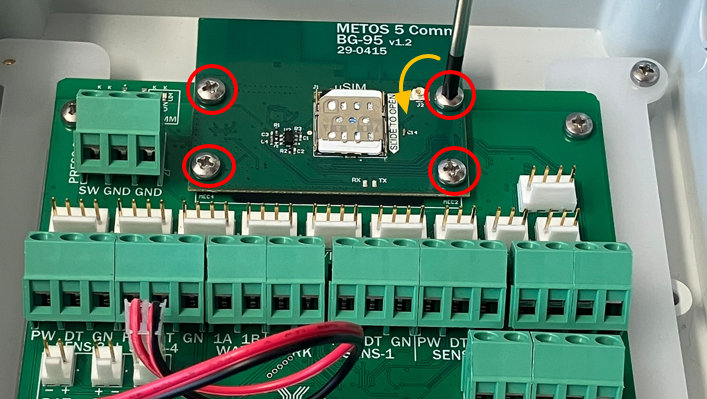
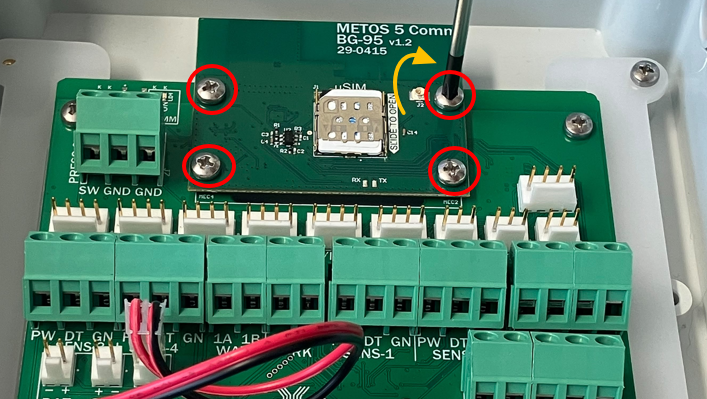
Step 2. Unthread the four (4) screws securing the modem to the METOS 5 board.
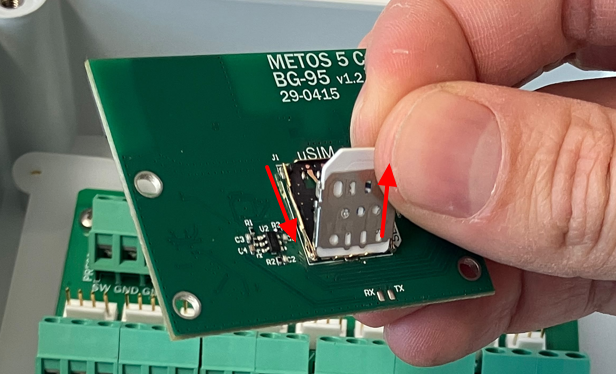
Step 3. Remove the SIM card from the old modem and insert it into the new modem.
➡️ To open the tray, pull it backwards and carefully lift the lid.
⚠️ Important: Ensure the SIM tray contact pins do not bend when closing the tray.
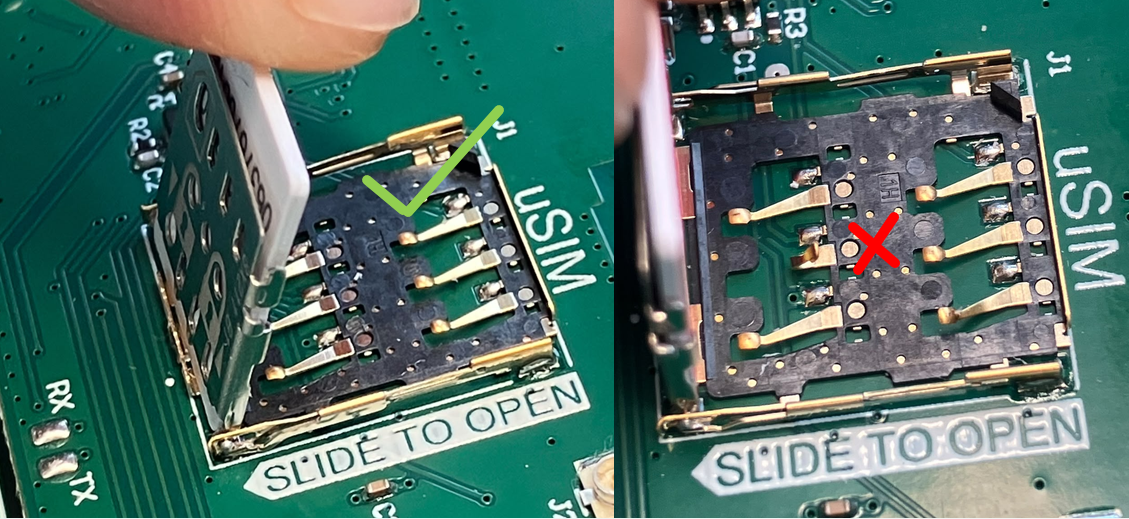
➡️ If this happens, don't worry. Simply use your finger to carefully place it back in its original position.
Step 4. Install the new modem and press it into place until you feel a distinct "click".
Step 5. Thread the four (4) screws back in to securely fasten the modem to the METOS 5 board.
Need Help?
If you encounter issues during this process or have questions about the information described in this page, please SUBMIT A TICKET to the METOS Support Center.
Was this article helpful?
That’s Great!
Thank you for your feedback
Sorry! We couldn't be helpful
Thank you for your feedback
Feedback sent
We appreciate your effort and will try to fix the article